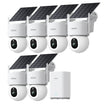
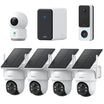








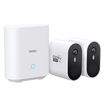


















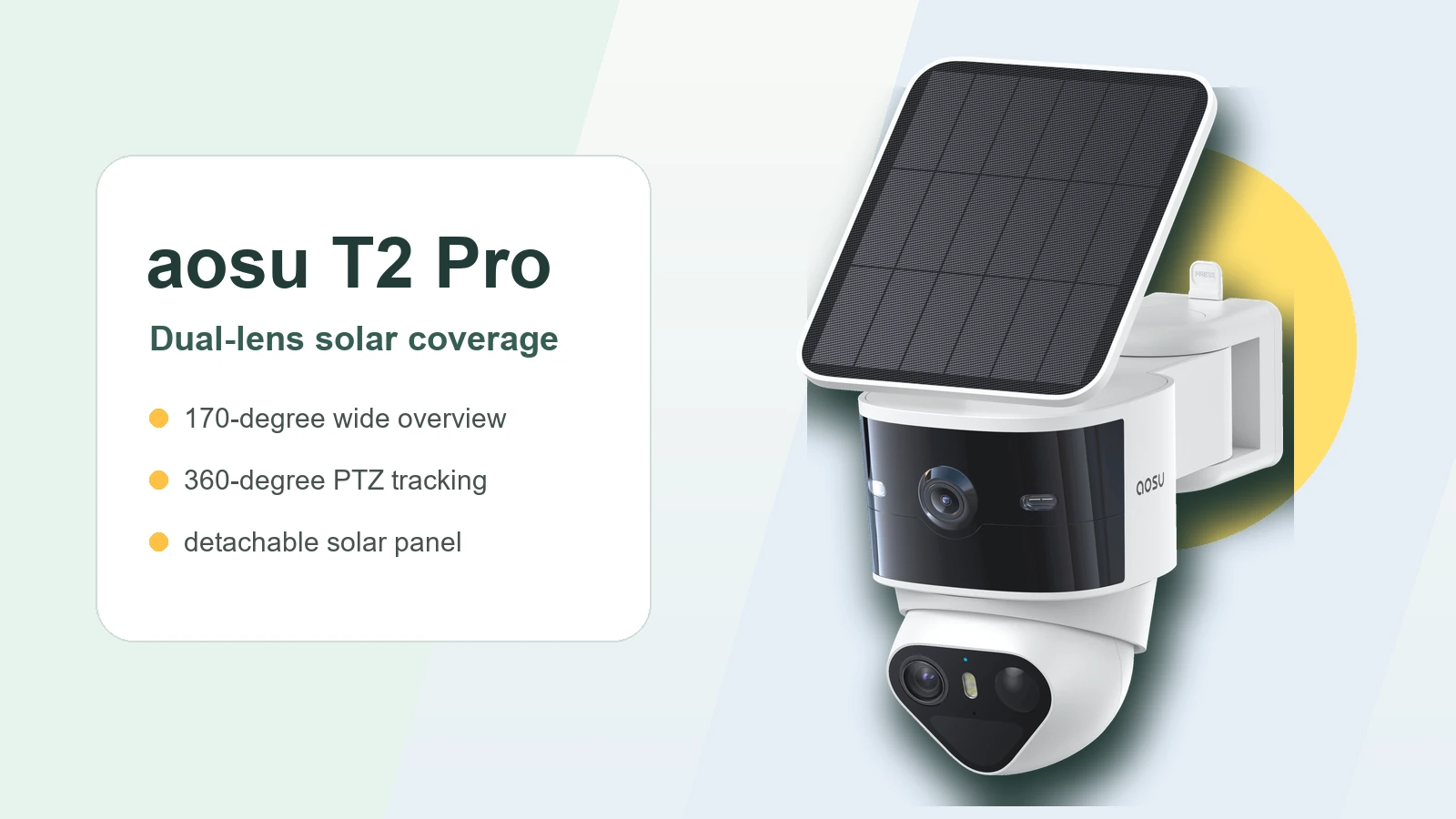
Most outdoor cameras make you pick one direction and hope that is where the important stuff happens. The aosu T2 Pro is built for the yards where that feels too limiting.
With T2 Pro, you get a 170-degree wide view for the whole scene and a separate 360-degree PTZ camera for movement, details, or an around-the-corner angle.
Quick Verdict: Who T2 Pro Is Best For
Choose T2 Pro when your camera needs to watch a wide area and still follow important motion. Think front yard plus walkway, driveway plus side gate, backyard plus patio, or a house corner where activity moves from one zone to another.
For a simple straight-on driveway or one open yard view, compare it with T2 Ultra before deciding. T2 Pro earns its keep when the dual-view design solves a real layout problem.
| T2 Pro is a good fit if: | Compare other options if: |
|---|---|
|
|
What Actually Makes T2 Pro Different
The main reason to consider T2 Pro is not just that it is solar powered. The more interesting part is how it splits the job between two camera views.
On paper, T2 Pro gives you dual 3K cameras, full-color night vision, a 170-degree wide-angle view, a 360-degree PTZ camera, on-device AI detection with auto-tracking, local storage with no subscription required, lights, sirens, two-way audio, wireless setup, and solar power.
- Dual-lens coverage
One lens keeps the wider scene visible while the PTZ camera can follow action or watch a second angle.
- Tap-to-focus control
In the app, you can tap on the wide-angle view and have the PTZ camera swing toward that spot.
- Flexible solar placement
The camera and detachable solar panel do not need to share the exact same best angle, which helps when the best view and best sun exposure are different.
- Active deterrence
Lights, sirens, and two-way audio give the camera a response role, not only a recording role.
- aosuBase ecosystem support
T2 Pro also fits into a larger aosuBase setup for local storage, stronger connection, multi-camera review, and duplicate-alert filtering.
How the Dual-Lens Design Works in Real Life
A regular outdoor camera makes you choose between a wide view and a closer view. Go wide and faces get smaller. Zoom in and the rest of the yard disappears.
T2 Pro reduces that tradeoff. The wide-angle camera keeps the bigger picture visible, while the PTZ camera handles movement, close-up detail, or a second resting angle.
That second resting angle is one of the best tricks in the design. For example, you can keep the wide view facing the driveway while the PTZ camera rests around the corner toward a side gate, walkway, or blind spot. If something happens in the main view, the moving camera can still track important motion.
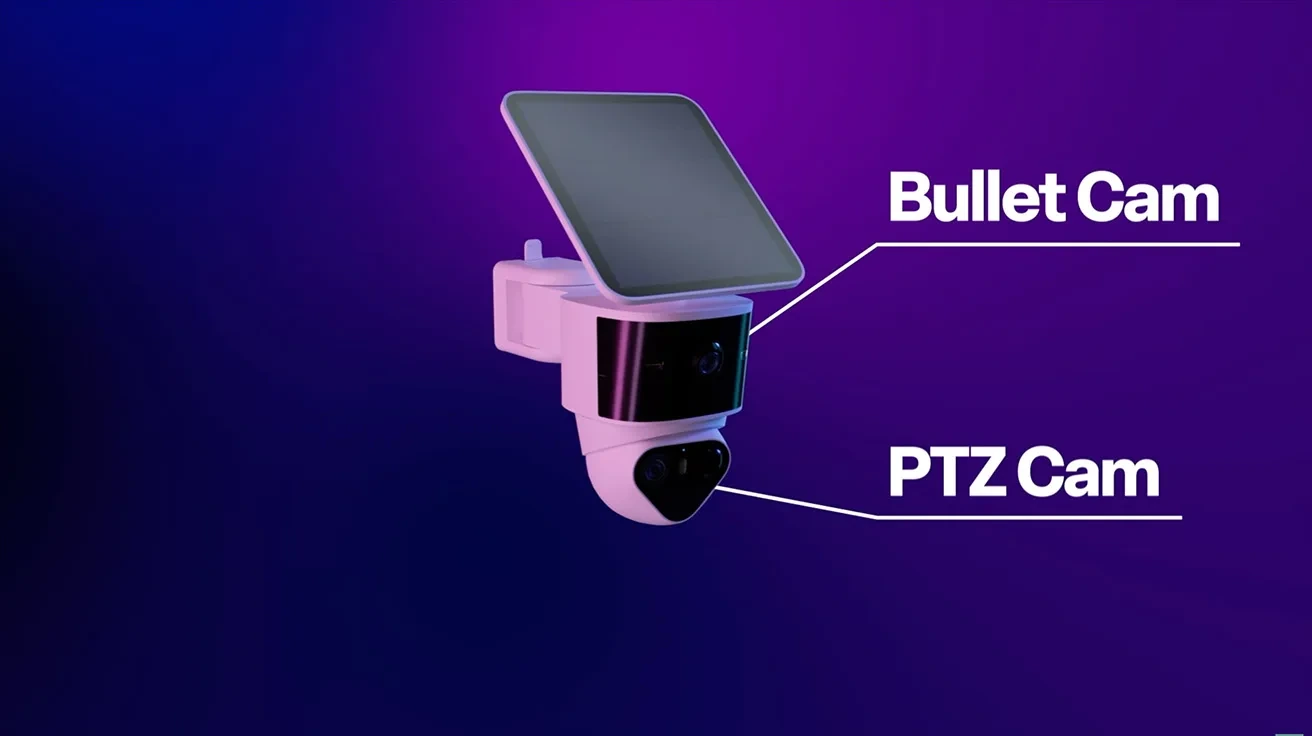
T2 Pro separates the wide-view job from the moving PTZ job, which is what makes it different from a basic one-view camera.
The PTZ Camera Can Watch Outside the Wide View
This is the part that makes T2 Pro feel different in everyday use: the PTZ camera does not have to sit inside the same frame as the wide camera.
You can leave the wide camera facing the main area, such as the driveway or yard, while the PTZ camera rests on a side gate, walkway, or around-the-corner view. That gives you better passive monitoring before anything even starts moving, because the camera is already watching a second angle.
For homes with a driveway on one side and a gate, path, or blind spot on the other, this can be more useful than simply having one wide view. You are not just seeing more of the same scene. You are covering two related areas from one mounting point.
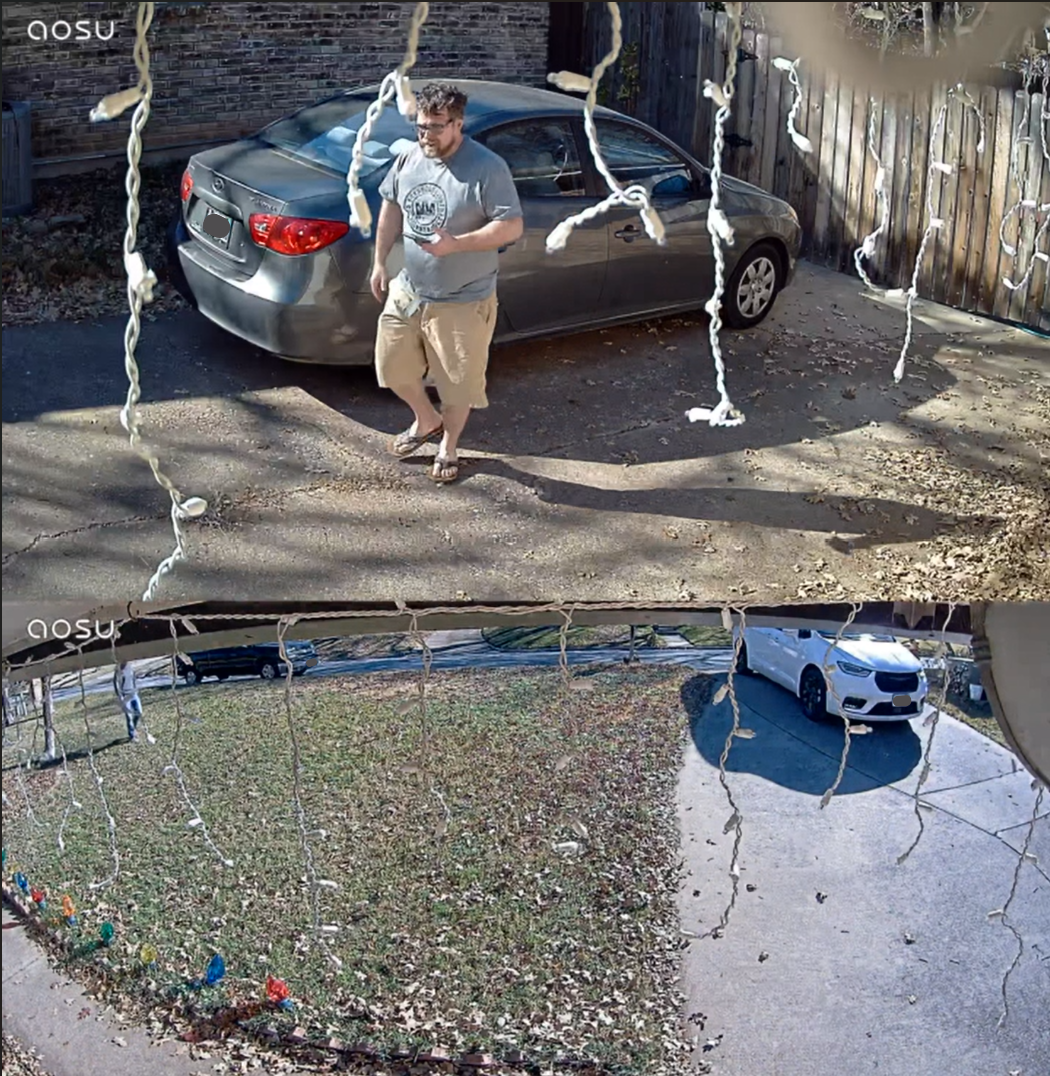
The wide view can keep watch over the main area while the PTZ camera rests on a second angle outside that frame.
Best Home Layouts for T2 Pro
T2 Pro earns its keep when one mounting point can see several important zones. If the view is too simple, the dual-lens design is probably more than you need. If the view is too broken up, you are still better off adding another camera.
- Front yard plus porch path
Use the wide view for the yard and approach, then let the PTZ camera follow a person, package drop-off, or movement near the entry.
- Driveway plus side gate
This is where the around-the-corner setup can help. The wide view can face the driveway while the PTZ camera rests toward a side route.
- Backyard plus patio
A backyard often has several activity zones, such as a gate, seating area, shed, and fence line. T2 Pro works best when those zones overlap from one mount.
- Garage corner or house corner
A corner mount makes the 180-degree adjustable arm and dual-view design more valuable because the camera has a better chance of seeing two directions.
The App Experience Matters as Much as the Camera Body
A dual-lens camera has to make the two views easy to understand. Otherwise, it just gives you more footage to sort through.
For T2 Pro, the app idea is simple: wide view for context, PTZ view for action. If you are checking a driveway, this helps you see where a person came from, where they went, and what they did along the way.
If you add more aosu cameras, the app and aosuBase ecosystem become more important. Multi-camera views, event review, and alert settings can matter as much as resolution once you are covering the full home.
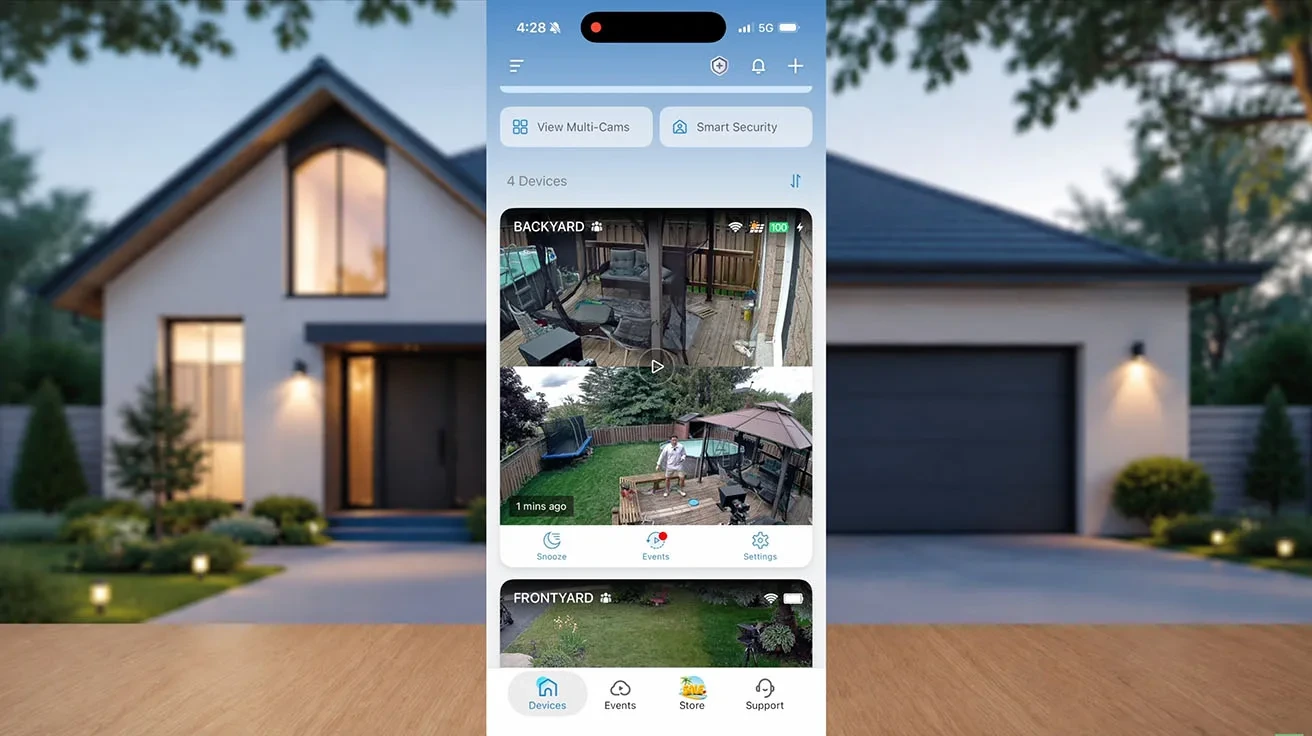
A dual-lens or multi-camera setup should make events easier to review, not harder to manage.
Installation and Solar Placement: What to Think Through First
Do not judge T2 Pro only by the spec sheet. Before you mount it permanently, test the view in the app, check Wi-Fi strength, and make sure the solar panel can sit where it gets useful light.
The field-test material created with Pipl Systems shows the real installation question clearly: the camera angle, adjustable arm, solar-panel position, cable path, and Wi-Fi signal all need to work together in the spot you want to protect.
The detachable solar panel helps because the best camera angle and best sunlight angle are not always the same. aosu also notes that solar charging varies with sunlight and pauses below -5 C / 23 F while battery power is used to protect the device, so very cold climates need a little extra planning.
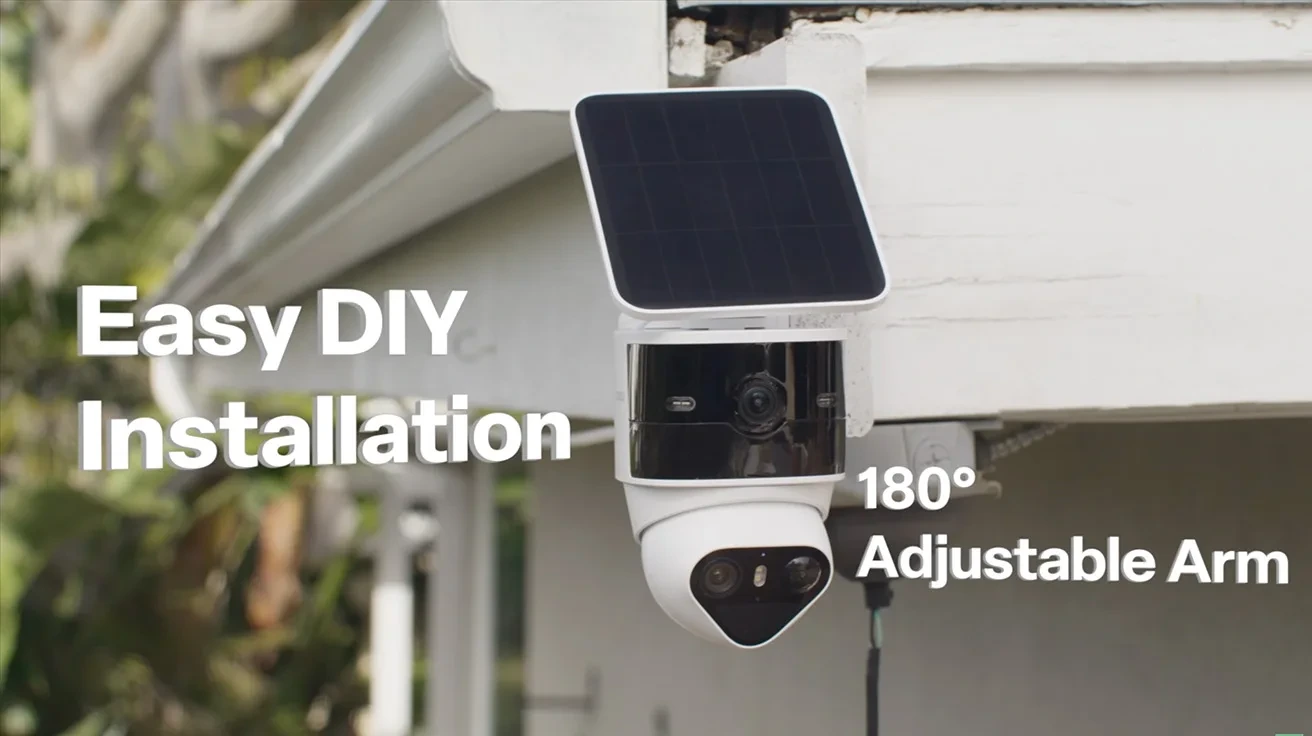
The adjustable arm and separate solar panel matter most when the mounting spot gives you both a good view and workable sunlight.
Detection, Deterrence, Storage, and aosuBase
T2 Pro is not only about seeing more. It is also built to detect, record, and respond. The product specs call out on-device AI detection, auto-tracking, lights, sirens, and two-way audio.
Those features work best when they are tuned to the location. A camera watching a busy sidewalk needs different detection zones and sensitivity than one watching a private side yard.
Storage is also part of the buying decision. aosu positions T2 Pro with local storage and no subscription required. In the aosuBase section, the product page notes local video handling, stronger connectivity, cross-camera tracking, duplicate-alert filtering, and MicroSD card support up to 1TB, with the card not included.
For a single camera, the view and alert settings do most of the work. For a full-home setup, aosuBase becomes more important because it combines events across cameras and reduces duplicate notifications.
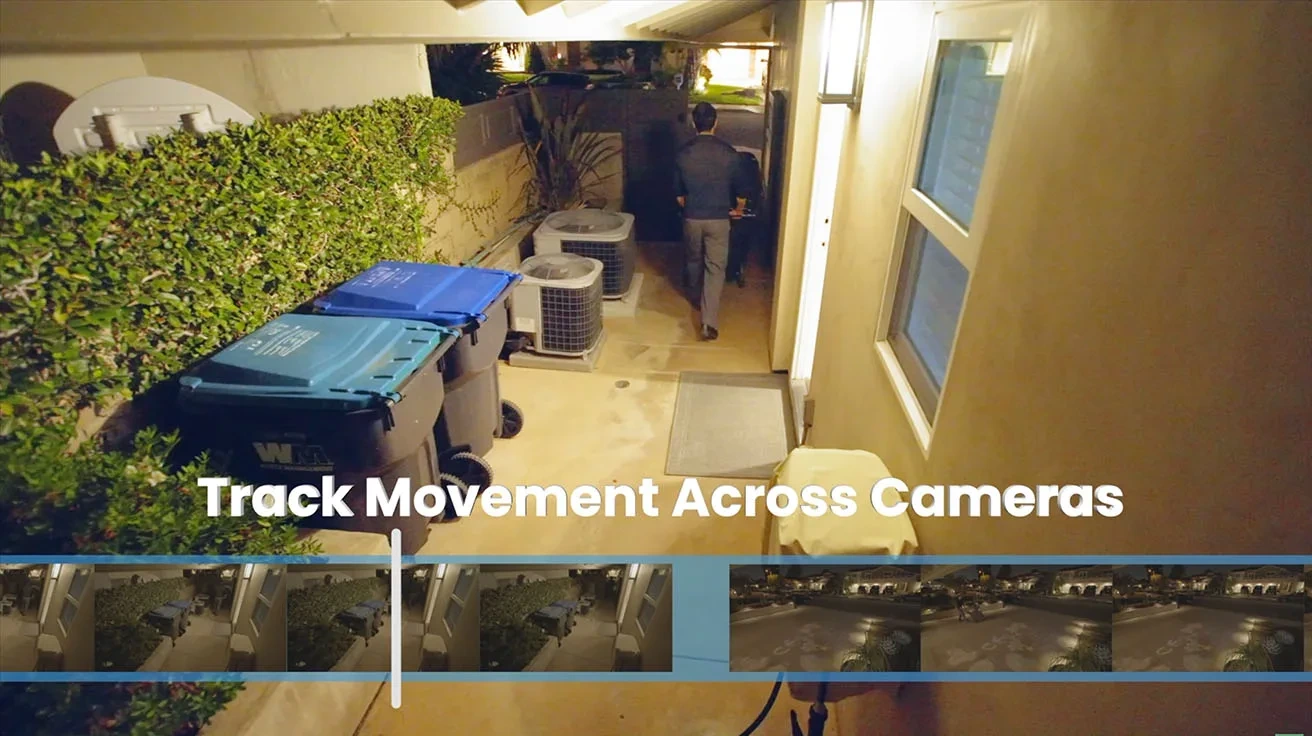
For a larger aosu system, storage and cross-camera review become part of the real value.
When T2 Pro Is Not the Best Fit
T2 Pro works best when the dual-lens design solves a real layout problem. If your camera only needs to watch one broad open area, the extra flexibility will not matter as much.
For a driveway, garage approach, or front yard where one high-detail PTZ camera can cover the important view, compare aosu T2 Pro vs T2 Ultra before deciding. T2 Ultra is the cleaner choice when 4K PTZ detail and stronger night vision matter more than dual-view coverage.
If your main question is solar placement, storage, or subscription-free recording, read the broader guides first and then come back to the product decision.
Compare aosu T2 Pro vs T2 Ultra
View the aosu T2 Pro product page
Common Mistakes to Avoid
The biggest mistake is buying T2 Pro because it has more features, without checking whether your layout actually needs two camera views.
Do not mount it only where the solar panel gets sun. The camera still needs the right height, angle, Wi-Fi signal, and privacy-conscious view. The solar panel can be placed separately, but the cable path still needs to be clean and safe.
Also avoid leaving detection settings at their defaults forever. A dual-lens camera gives you better context when alerts, detection zones, and tracking behavior match the real movement around your home.
To Wrap Up
The aosu T2 Pro is best understood as a coverage camera, not just a solar camera. It is built for homeowners who want a wide view, active tracking, and the option to watch more than one angle from a single mounting point.
If your yard, driveway, side gate, or entry area has movement crossing several zones, T2 Pro belongs on the shortlist. If your layout is simple and one open view is enough, compare it with T2 Ultra or another single-view option before deciding.
FAQs
Who is aosu T2 Pro best for?
aosu T2 Pro is best for homeowners who want broad outdoor awareness plus active tracking from one mounting point. It is especially useful for mixed zones like a driveway plus side gate, front yard plus walkway, or backyard plus patio.
What makes T2 Pro different from a regular PTZ camera?
The main difference is the dual-lens design. One camera gives you a wide overview, while the separate PTZ camera can track movement, focus on detail, or rest on another angle outside the wide view.
Can the T2 Pro PTZ camera watch outside the wide-angle view?
Yes. A useful setup is to keep the wide view facing the main area while the moving PTZ camera rests on a side gate, walkway, or around-the-corner view. That is one reason T2 Pro works well for complicated yard layouts.
Does aosu T2 Pro need a subscription?
aosu positions T2 Pro with local storage and no subscription required. If you want larger local storage, multi-camera coordination, or cross-camera event review, check the current aosuBase configuration before buying.
Is aosu T2 Pro good for solar placement?
Yes. The detachable solar panel lets you aim the camera for the best security view while placing the panel where it has a better chance of getting sunlight.