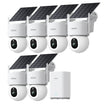
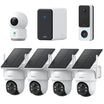




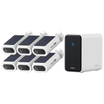




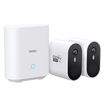


















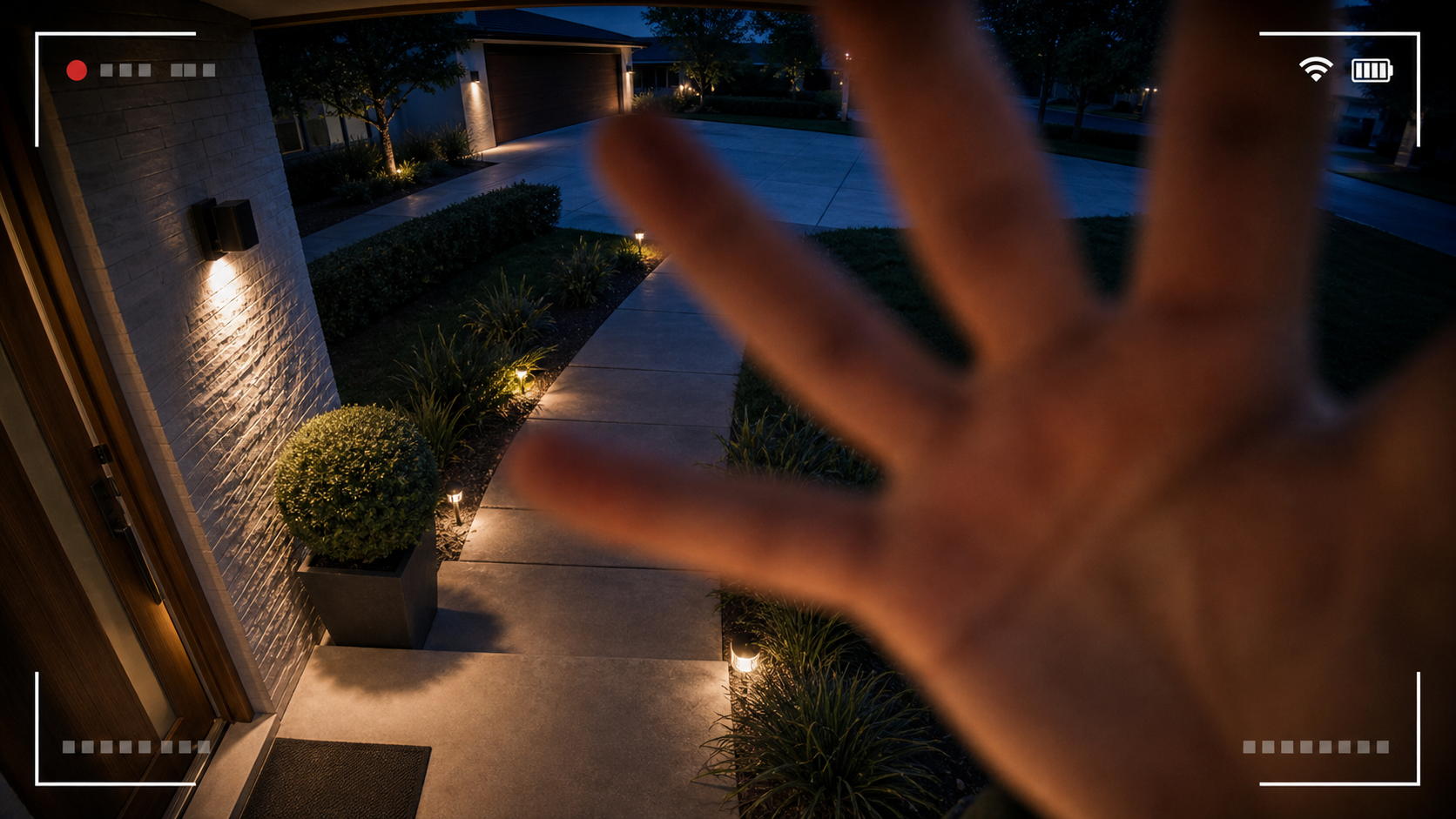
Security cameras are a major deterrent, but they still need to be set up with tampering in mind. A determined burglar can try to damage a camera, steal it, cover the lens, cut power, interrupt Wi-Fi, or interfere with a wireless signal.
That does not mean cameras are easy to beat. The goal is to set them up so they record the approach, send alerts quickly, keep footage somewhere protected, and keep watching even if one camera is lost.
For most homes, the best defense is a layered setup: smart placement, overlapping views, protected storage, strong alerts, and a camera system that does not depend on a single device doing everything.
Start Here
Yes, burglars can disable security cameras in some situations. The most common risks are physical tampering, camera theft, power loss, internet outages, and wireless interference.
A less obvious thing to consider is whether disabling one camera also removes your evidence. With the right setup, the answer should be no. Your system should capture a person before they reach the camera, send a motion alert, and store footage in a place the burglar cannot easily access.
| Higher risk setup | Better protected setup |
|---|---|
|
|
How Burglars Can Try to Disable Security Cameras
Most camera tampering is simple. A person may try to avoid the camera, cover it, knock it out of position, damage it, or remove it from the wall. Wireless cameras can also be affected by internet outages or signal interference.
Here are the main risks to plan around without getting lost in worst-case scenarios.
- Physical damage or theft
A camera mounted within reach is easier to grab, twist, cover, or break. This is why placement matters as much as camera quality.
- Blocking the lens
A camera does not have to be removed to lose its view. Someone can cover the lens, spray it, shine a bright light toward it, or move it away from the important area.
- Power interruption
Wired cameras can stop recording if power is cut and there is no backup. Battery and solar cameras reduce that risk, but the router or storage device may still need power.
- Wi-Fi or internet disruption
Some wireless cameras need Wi-Fi for live view, alerts, cloud upload, or remote playback. If the internet goes down, local recording may continue on some systems, but app access can be limited.
- Wireless signal interference
Signal interference, including Wi-Fi jamming, can affect wireless cameras. The practical response is not to rely on one wireless link for everything: use alerts, local storage, protected hubs, overlapping cameras, and placement that captures the approach early.
- Exposed recorders or storage hubs
If footage is stored on a visible recorder, hub, or SD card that can be taken quickly, the camera may record the event but lose the evidence. Storage needs protection too.
How to Make Cameras Harder to Disable
You do not need a complicated setup to make camera tampering much less effective. The biggest improvements usually come from where the cameras are placed and where the footage is stored.
| Camera placement | System protection |
|---|---|
|
|
How to Protect Footage If a Camera Is Stolen or Damaged
The most important question is not only whether the camera survives. It is whether the recording survives.
A camera that sends alerts and stores clips away from the camera gives you a better chance of keeping evidence even if the device is damaged. If you are comparing storage options, start with how security cameras store footage and then choose the mix that matches your home.
How security cameras store footage
Security cameras without subscription
Can security cameras record without Wi-Fi?
Cloud Storage, Local Storage, and Home Hubs
There is no single perfect storage method for every home. The strongest setups usually avoid putting all footage in one vulnerable place.
| Cloud storage | Storage hub or recorder | In-camera storage |
|---|---|---|
|
|
|
What to Do If Someone Disables a Security Camera
If a camera is damaged, stolen, or knocked offline during a suspicious event, treat the footage and notifications as evidence. Move quickly, but keep the process simple.
- Save what you have
Download clips, take screenshots, and save app notifications showing motion events, offline alerts, timestamps, and device names.
- Check every storage location
Look in cloud clips, home hub storage, SD card recordings, router logs, and footage from nearby cameras. One camera may have captured what another camera missed.
- Document the damage
Photograph the camera location, broken mount, cut cable, missing device, or changed angle before making repairs.
- Report the incident
Contact local authorities when appropriate and share saved footage with police or insurance if they request it.
- Upgrade the weak point
Remount the camera higher, add a second angle, protect storage equipment, improve lighting, or add backup power based on how the camera was disabled.
The Best Setup Is Layered
A single camera can help, but a layered home security camera setup is much harder to defeat. Use one camera to capture faces or vehicles, another to cover the route in and out, and storage that survives if one device is lost.
For many homes, that means a visible outdoor camera near the entry, another camera covering the driveway or side path, motion alerts enabled, and footage saved to cloud storage, a protected hub, or both.
How to tell if a security camera is on
Bottom Line
Burglars can try to disable security cameras, but the right setup makes that much less useful. Mount cameras out of easy reach, use overlapping coverage, enable alerts, protect the router and storage device, and store footage somewhere the camera thief cannot simply carry away.
Think of each camera as one layer, not the whole security plan. If one layer fails, the rest of the system should still give you a record of what happened.
FAQs
Can burglars disable wireless security cameras?
Yes. Wireless cameras can be damaged, stolen, covered, knocked offline, or affected by Wi-Fi and internet problems. The best protection is strong placement, overlapping camera views, alerts, and footage stored away from the camera.
Can Wi-Fi jammers stop security cameras?
Wireless interference can affect cameras that depend on Wi-Fi for live view, alerts, or cloud upload. Some cameras may still record locally during an outage, depending on the model and storage setup. Use local storage, protected hubs, strong placement, and overlapping cameras so one wireless problem does not erase the whole event.
Is cloud storage better if someone steals a camera?
Cloud storage can help because clips are saved away from the camera. If the clip uploads before the camera is damaged or stolen, the footage may still be available in the app. Local hub storage can also help when the hub is kept indoors and out of sight.
Where should I put a camera so it is harder to disable?
Mount outdoor cameras high enough that they cannot be reached easily, aim them at approach paths, and use another camera to cover the route someone would take to reach them. Avoid placing the only camera low beside a door where it can be grabbed immediately.
What should I do if someone steals or damages my security camera?
Save app alerts, download any available clips, check cloud and local storage, document the camera location, and report the incident if needed. Afterward, improve the weak point by changing the mount location, adding another camera angle, or protecting the storage device.