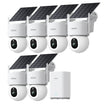
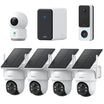




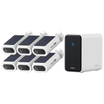




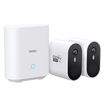


















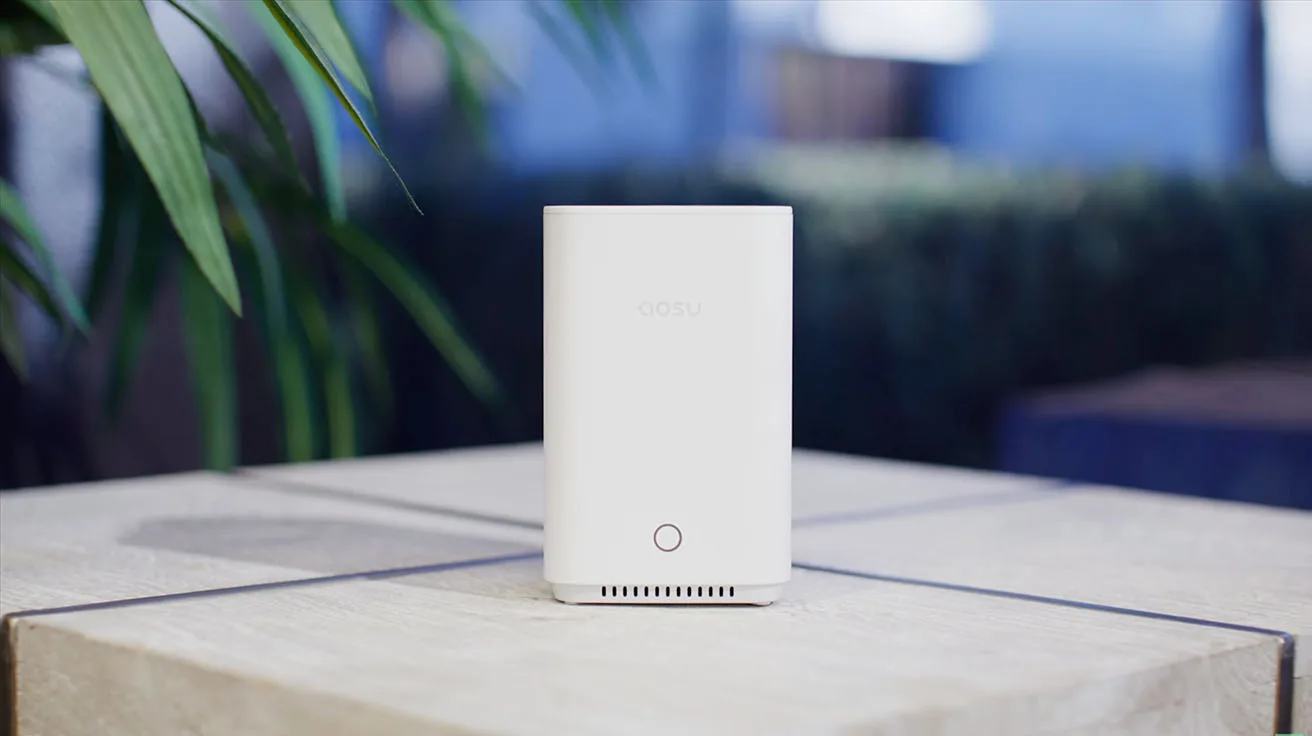
A single security camera is easy to understand. Once you have several cameras around the house, the harder part is keeping the footage, alerts, and event history organized.
aosuBase is built for that job. It is the hub for compatible aosu camera systems, bringing local storage, multi-camera event review, duplicate-alert filtering, and no mandatory monthly storage fees into one setup.
Quick Answer: What aosuBase Does
aosuBase is the home hub that makes compatible aosu cameras work more like one connected system. Instead of treating each camera as a separate device with isolated clips, aosuBase brings storage, event review, and camera coordination together.
The main benefits are local-first recording, larger MicroSD storage support, cleaner multi-camera event review, fewer repeated alerts, and basic recording without a mandatory monthly storage plan.
| aosuBase is useful if: | Check the setup details if: |
|---|---|
|
|
What aosuBase Adds to an aosu Camera System
The easiest way to understand aosuBase is to separate it from a regular SD card. A memory card stores clips. A hub supports the system around those clips.
aosuBase handles local video storage, strengthens connectivity, supports cross-camera tracking, combines related camera events, filters duplicate alerts, and expands local storage capacity. It is the part that helps multiple cameras feel like one organized home system.
- Local-first storage
Recordings can be handled locally through the hub instead of treating cloud storage as the only path.
- More storage room
aosuBase supports MicroSD cards up to 1TB, with the card not included.
- Cross-camera context
Compatible cameras can work together so a movement path is easier to follow across the property.
- Duplicate-alert filtering
When more than one camera sees the same event, aosuBase helps reduce repeated notifications.
- Full-home review
The real value shows up when you have cameras at the driveway, walkway, side path, backyard, or garage approach.
Local Storage Is Only Part of the Story
Local storage is the most obvious reason people ask about aosuBase, but it is not the whole value. If your only question is how SD cards, home hubs, NVRs, and cloud storage compare, the broader storage guide is the better starting point.
With aosuBase, storage is part of the aosu ecosystem. The hub supports built-in local storage, MicroSD expansion up to 1TB, and basic recording without a required storage subscription on supported systems.
That makes aosuBase most useful when storage, camera coordination, and app review all matter together.
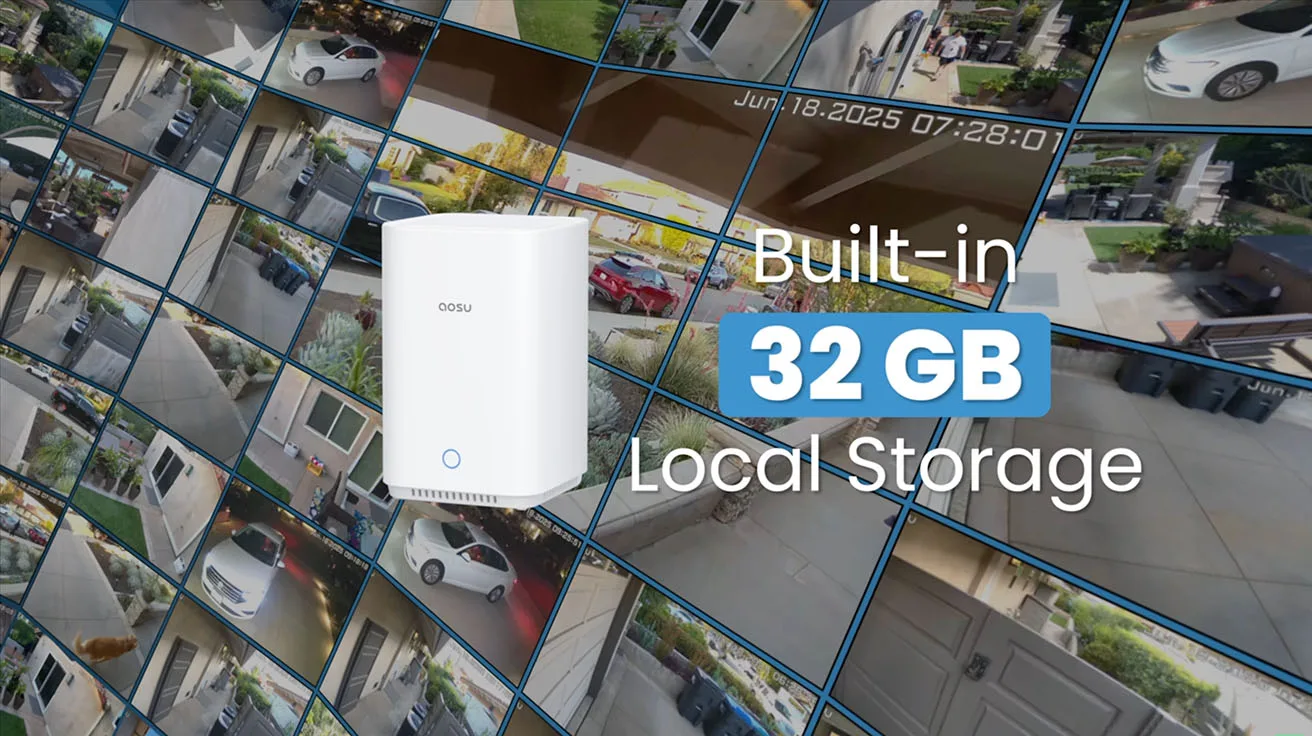
aosuBase combines local storage with system coordination, so it does more than simply save clips.
Read the broader security camera storage guide
What the 1TB MicroSD Support Means
aosuBase supports MicroSD cards up to 1TB, with the card not included. That gives a full-home camera system more room for local recordings than a small clip buffer.
Storage needs still depend on the cameras, settings, number of events, resolution, and retention settings. A multi-camera system watching a busy driveway will use storage differently than a quieter backyard setup.
For a buying decision, the better question is not just "how much storage can it hold?" It is "does this storage setup match the number of cameras and the amount of activity around my home?"
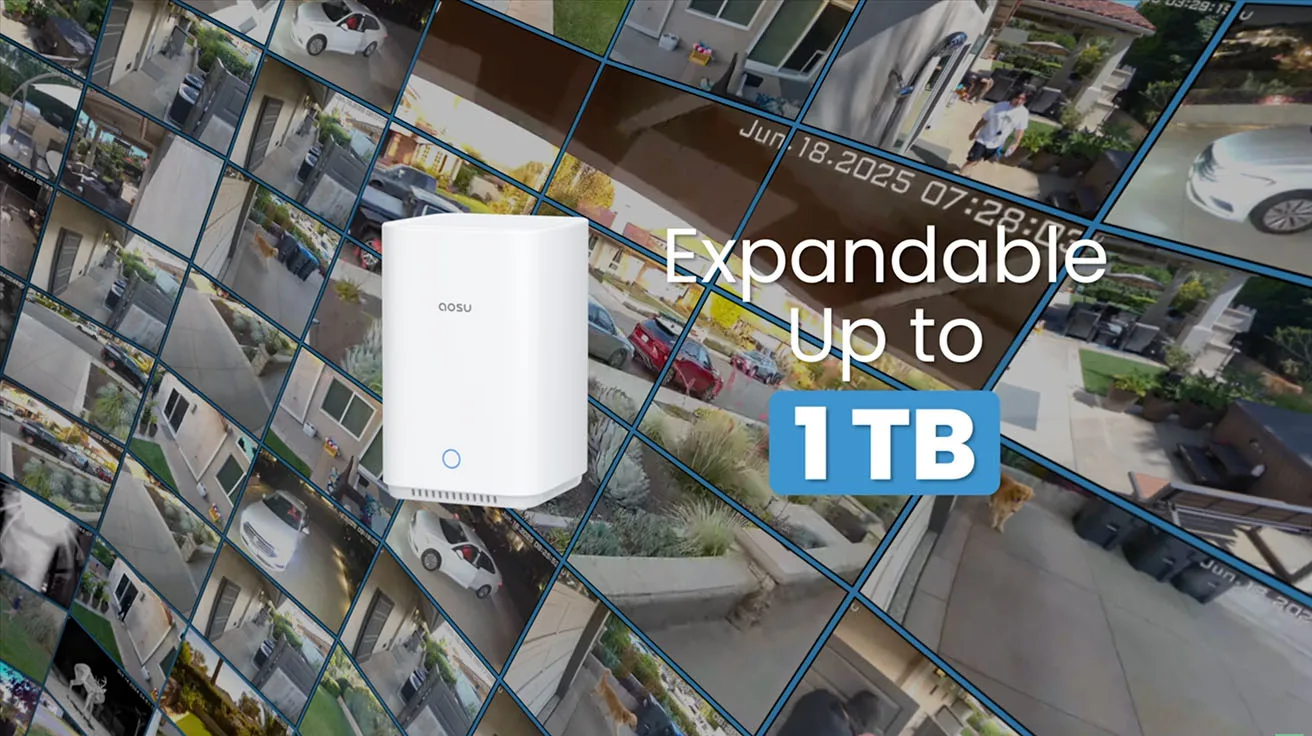
The 1TB MicroSD support matters most when you are building a multi-camera system and want more local recording room.
Cross-Camera Tracking: The Part That Feels Like a System
This is where aosuBase becomes more than storage. With compatible cameras, the system connects related motion across different camera views, so you are not digging through separate clips one by one.
aosuBase combines multi-camera events into one easier review path. When a person moves from the driveway to a side path or backyard gate, the system can preserve more context across camera angles.
That is the difference between a collection of separate cameras and a full-home system. You are not just saving footage; you are making the event easier to understand.
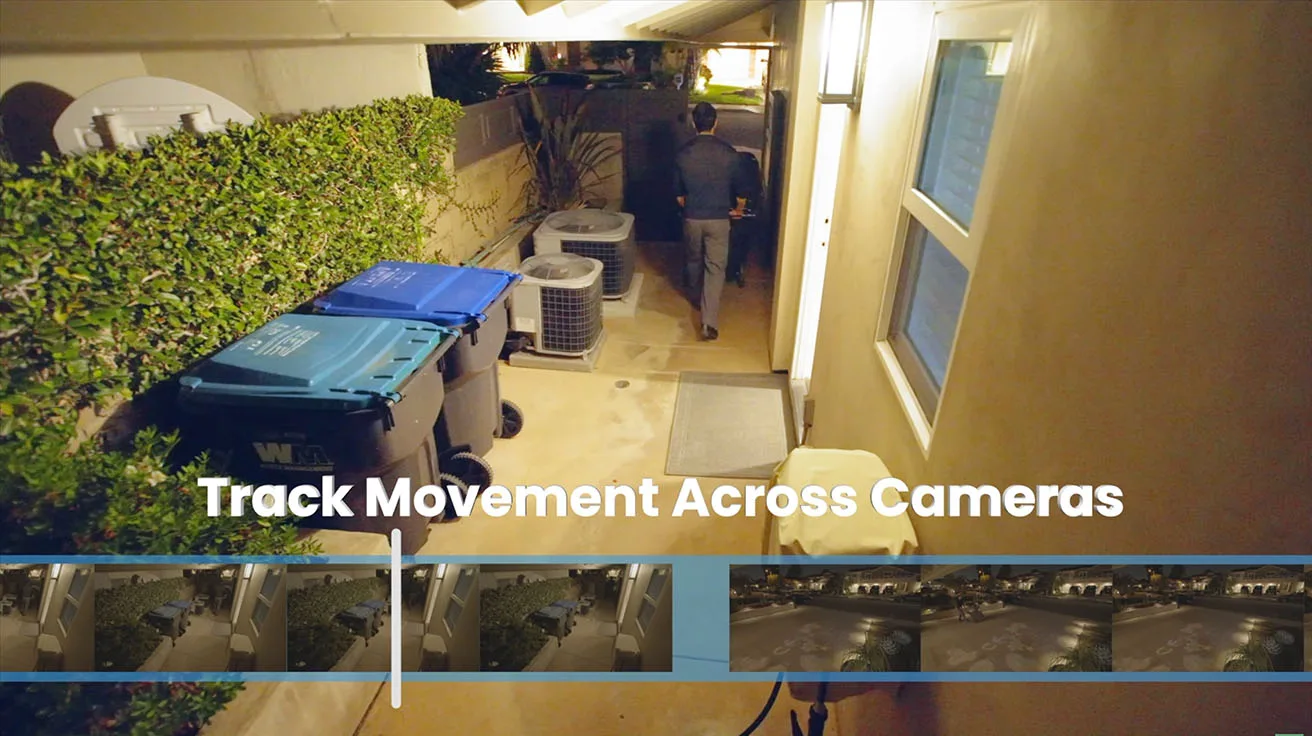
Cross-camera context is one of the main reasons aosuBase belongs in a full-home system conversation.
Cleaner Alerts Matter Once You Add More Cameras
The more cameras you add, the easier it is to get too many notifications. A person walking past the front of the house might be seen by the driveway camera, front walkway camera, and side-path camera within a few seconds.
aosuBase filters duplicate alerts across cameras into one notification, which makes a larger system feel calmer day to day. The goal is not just more coverage. It is coverage you can actually live with.
You still need to tune detection zones, sensitivity, and notification settings. aosuBase organizes alerts, but strong camera placement and sensible settings still matter.
What Happens During Wi-Fi Outages?
For compatible T2 Ultra systems, footage can record directly to aosuBase during Wi-Fi outages. That makes the hub especially useful if outage behavior is part of your buying decision.
Remote viewing, app access, cloud backup, and notifications still depend on connection and service behavior. Local recording and remote access are related, but they are not the same thing.
The clean way to think about it: aosuBase protects local recording for compatible systems, while internet access still matters for anything that needs to leave the home network or reach your phone remotely.
Read how cameras record without Wi-Fi
No Mandatory Monthly Storage Fees Does Not Mean Every Feature Is Free
aosuBase is useful for homeowners who want a local-first setup with no mandatory monthly storage fee for basic recording on supported systems. That is the practical promise.
Optional features can still be paid. Basic recording is free on supported aosuBase systems, while optional AI features and cloud backup may require in-app purchase or a paid subscription.
So the better buying question is not "is there ever a paid option?" It is "can I get the core recording setup I want without a mandatory monthly storage plan?" With aosuBase-compatible systems, that is the value proposition.
Read about security cameras without subscription
Which aosu Systems Should You Consider with aosuBase?
aosuBase matters most when you are buying a system, not just one camera. T2 Ultra kits are a clear example: 2-cam, 4-cam, and 6-cam kits include the new aosuBase, while the 1-cam option does not.
T2 Pro also benefits from aosuBase when you want local storage, cross-camera tracking, and cleaner alert review across a larger setup.
If you are choosing between T2 Pro and T2 Ultra, make the camera decision first based on your layout. Then use aosuBase as the layer that helps the cameras work together once you start covering the whole home.
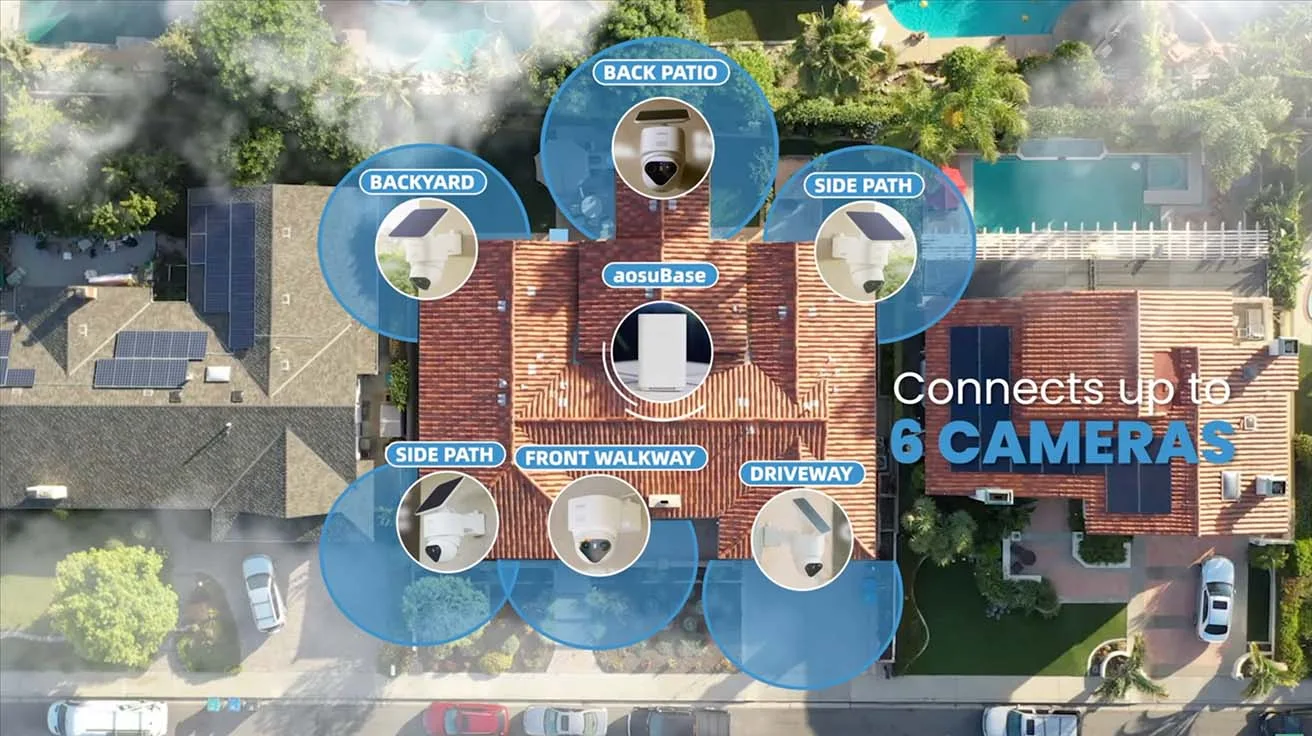
aosuBase becomes more valuable when several cameras are covering different routes around the same home.
Compare aosu T2 Pro vs T2 Ultra
Common Mistakes to Avoid
Do not choose aosuBase only because the storage number sounds good. Start with the number of cameras, where they will be placed, and how often motion happens around the home.
Do not assume every aosu camera, kit, or feature behaves the same way. Check compatibility and what is included in the exact kit you are buying.
Do not confuse local recording with remote access. A local hub helps keep recordings at home, but viewing footage away from home still depends on app, network, and service behavior.
And do not leave notification settings untouched after setup. The best multi-camera system is the one you trust enough to leave notifications on.
To Wrap Up
aosuBase is the organizing layer for compatible aosu camera systems. It supports local-first recording, larger storage options, cross-camera event context, duplicate-alert filtering, and no mandatory monthly storage fees for basic recording.
For one simple camera, it may not be the first thing to worry about. For a full-home aosu setup, it is the part that makes several cameras feel like one system instead of separate devices competing for your attention.
FAQs
What is aosuBase?
aosuBase is a hub for compatible aosu camera systems. It supports local-first recording, larger storage options, cross-camera event review, duplicate-alert filtering, and easier multi-camera management.
Does aosuBase require a monthly fee?
aosuBase does not require a monthly storage fee for basic recording on supported systems. Optional AI features or cloud backup may require in-app purchase or a paid subscription.
How much storage does aosuBase support?
aosuBase supports MicroSD cards up to 1TB, with the card not included. Storage needs still depend on the number of cameras, resolution, settings, and how much motion the system records.
Can aosuBase record during a Wi-Fi outage?
Compatible T2 Ultra systems can record directly to aosuBase during Wi-Fi outages. Remote viewing, notifications, and cloud features still depend on connection and service behavior.
What is cross-camera tracking?
Cross-camera tracking means compatible cameras can help follow a related event across different camera views, so movement around the property is easier to review as one connected story.